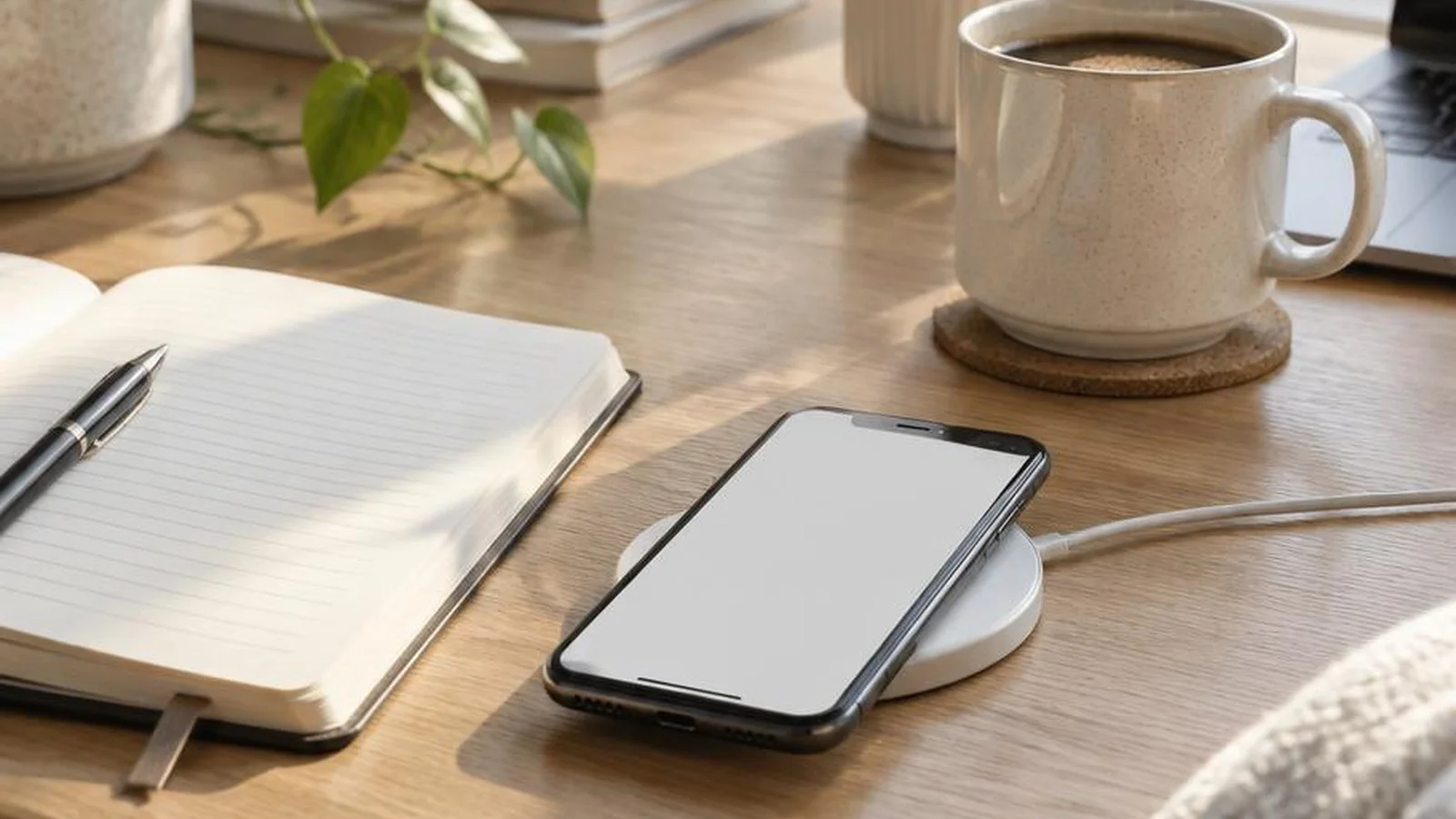
Low battery and low focus often share a root cause: the phone is always on stage. You do not need a digital detox retreat. You need a few settings, a charge ritual, and rules that keep the useful parts of the phone while starving the sticky parts.
These hacks pair battery life with attention on purpose. A phone that lasts until evening is easier to put down when it is not buzzing every four minutes. Think of this as maintenance for a tool you already rely on, not a personality makeover.
Charge like it is part of bedtime
Battery anxiety starts with chaotic charging.
- Pick one overnight charge spot outside the pillow zone if you can.
- Use a cable you trust. Frayed cables waste evenings and patience.
- Top up during a predictable anchor: shower, meal prep, or the start of a deep work block.
- Keep a low-power pack in your bag for travel days, not as an excuse to stream forever.
- If the battery health is clearly tired after years of use, plan a battery service instead of blaming yourself for normal aging hardware.
If you must sleep near the phone for alarms or family needs, enable a bedtime focus mode so the screen is a tool, not a nightclub.
The five-minute notification triage
Most battery and focus drains are alerts you never asked for with this much enthusiasm.
- Open notification settings and turn off badges for social apps you check anyway.
- Allow lock-screen alerts only for calls, messages from favorites, calendar, and two work channels max.
- Route shopping and news apps to silent delivery or a once-a-day summary if your phone supports it.
- Disable preview text for sensitive apps if you work in public spaces.
- Unsubscribe from promotional email push if the app offers that toggle.
Do this once a quarter. New apps reintroduce chaos by default. A quiet lock screen is a free battery feature and a free focus feature at the same time.
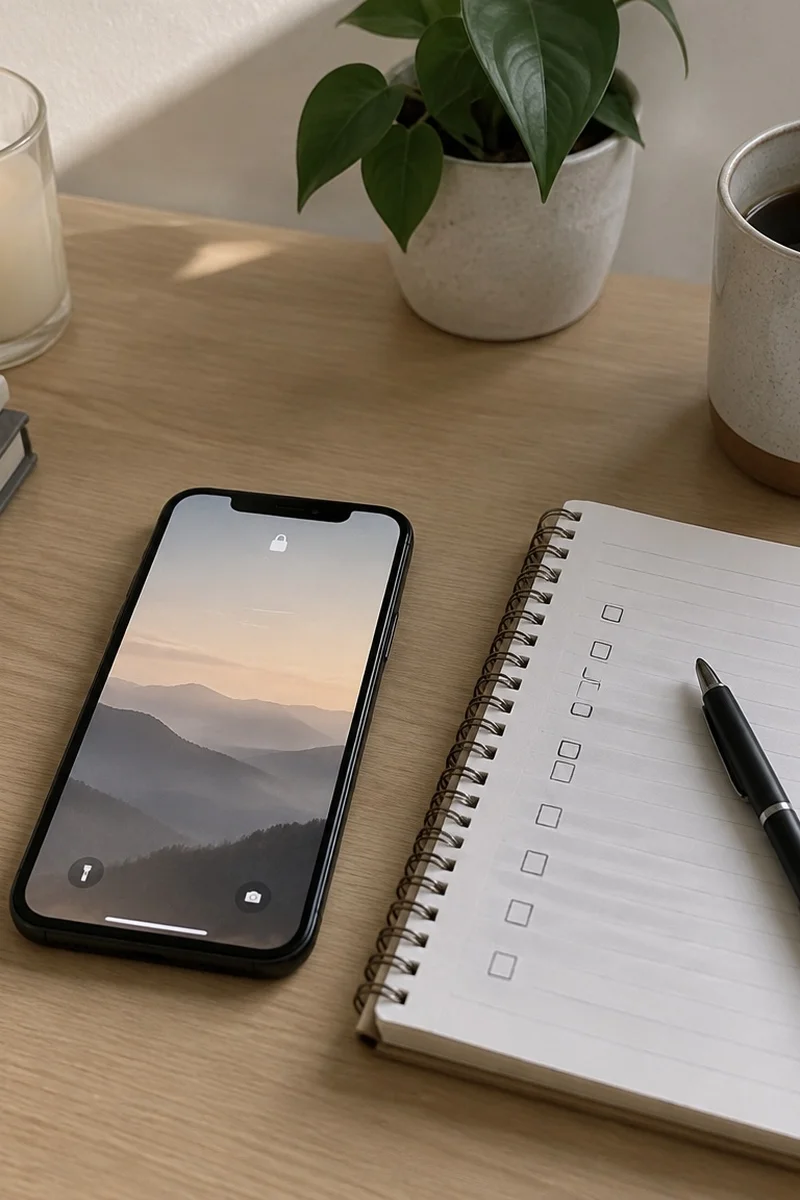
Battery settings that do not make the phone miserable
You can save power without living in airplane mode.
- Lower brightness or use auto-brightness outdoors and manual indoors.
- Turn on low power mode when you hit 30 percent, not 3 percent.
- Kill background refresh for apps that do not need live data.
- Use Wi-Fi when it is stable. Constant cellular searching drinks battery.
- Close unused GPS navigation after you arrive.
- Update apps on Wi-Fi so surprise downloads do not hammer cellular and heat.
Dark mode can help on OLED screens. It is not magic. Notification discipline still wins. Heat is a quieter villain than almost anything in the settings menu, so take the phone out of direct sun and off car dashboards when you can.
Focus modes tied to real blocks
Named modes beat vague intentions.
- Work mode: allow calendar, work chat, phone. Silence social and shopping.
- Home evening mode: allow family favorites. Silence work after a set hour when your job allows it.
- Deep focus mode: allow nothing except phone and one tool app for 25 to 50 minutes.
- Driving or transit mode: large maps, limited taps, no feed scrolling.
- Weekend morning mode: delay work chat until after breakfast if your role allows it.
Schedule modes when your days are predictable. Manual toggle is fine when life is not. The point is fewer decisions in the moment.
Home screen design for fewer accidental dives
Your thumb follows the brightest icon.
- First screen: phone, messages, maps, camera, calendar, notes, and one music app.
- Social apps in a folder on page two named Later.
- Delete or offload apps you open only out of boredom.
- Use grayscale during known weak hours if color is the hook.
- Move the browser off the dock if open tabs are your favorite rabbit hole.
Make the useful path short and the sticky path slightly annoying. Slightly is enough. You are designing for a tired future you, not a saint.
Workday focus without disappearing
Many jobs require a reachable phone. Reachable is not the same as endlessly interruptible.
- Batch message checks at natural breaks: after a meeting, before lunch, at 3 p.m.
- Turn on status messages in chat apps when you are deep in a task.
- Take calls standing or walking when possible so a call does not become a scroll session after.
- Keep one notes doc for park-it thoughts so you do not open the phone to remember milk and leave with twenty minutes gone.
If your workplace culture rewards instant replies, negotiate channels: urgent by call, everything else by async message.
Battery myths to ignore
- You do not need to drain to zero before charging modern phones.
- Leaving it plugged overnight with a normal charger is usually fine. Heat is the bigger enemy.
- Closing every app from the switcher every hour often wastes more effort than battery.
- Cheap no-name fast chargers that run hot are not a savings plan.
Treat heat, ancient batteries, and constant radios as the real villains. Myths mostly create anxiety, and anxiety makes you check the battery percentage even more.
Focus scripts for work and home
People will ping you. Scripts keep boundaries kind.
- I am heads-down until 2. Urgent? Call.
- Saw this. Replying after lunch.
- Phone is on focus for school pickup. Text if you need me sooner.
- I am offline for dinner. Back at 8.
If your job cannot allow silence, shrink the allowed list instead of pretending focus modes do not apply to you.
A weekday phone ritual that protects both battery and brain
- Morning: charge check, no social until after the first real task.
- Midday: plug in while you eat if you are below half.
- Afternoon: one planned scroll window if you want it, then back to Later folder.
- Evening: work apps quiet, charge overnight in the same spot.
The ritual is boring on purpose. Boring is sustainable. Excitement belongs in your life, not in your lock screen.
Travel day variant
- Download offline maps and playlists before you leave Wi-Fi.
- Carry the pack, but use low power mode between legs of the trip.
- Screenshot boarding passes and addresses so you are not hunting through email at 5 percent.
- Pack the charger in a bright pouch so hotel carpets cannot hide it.
Travel is when battery anxiety peaks. Preparation is cheaper than panic.
What to skip
- Twelve different focus productivity apps fighting each other.
- Public shaming about screentime totals as a personality.
- Any rule so strict that one bad day makes you quit the whole system.
- Buying a new phone only because notifications feel overwhelming. Settings are cheaper.
Your phone can be a tool that lasts all day and a device that interrupts less. Tune alerts, charge on purpose, redesign the home screen, and let focus modes do the boring enforcement while you do the living.